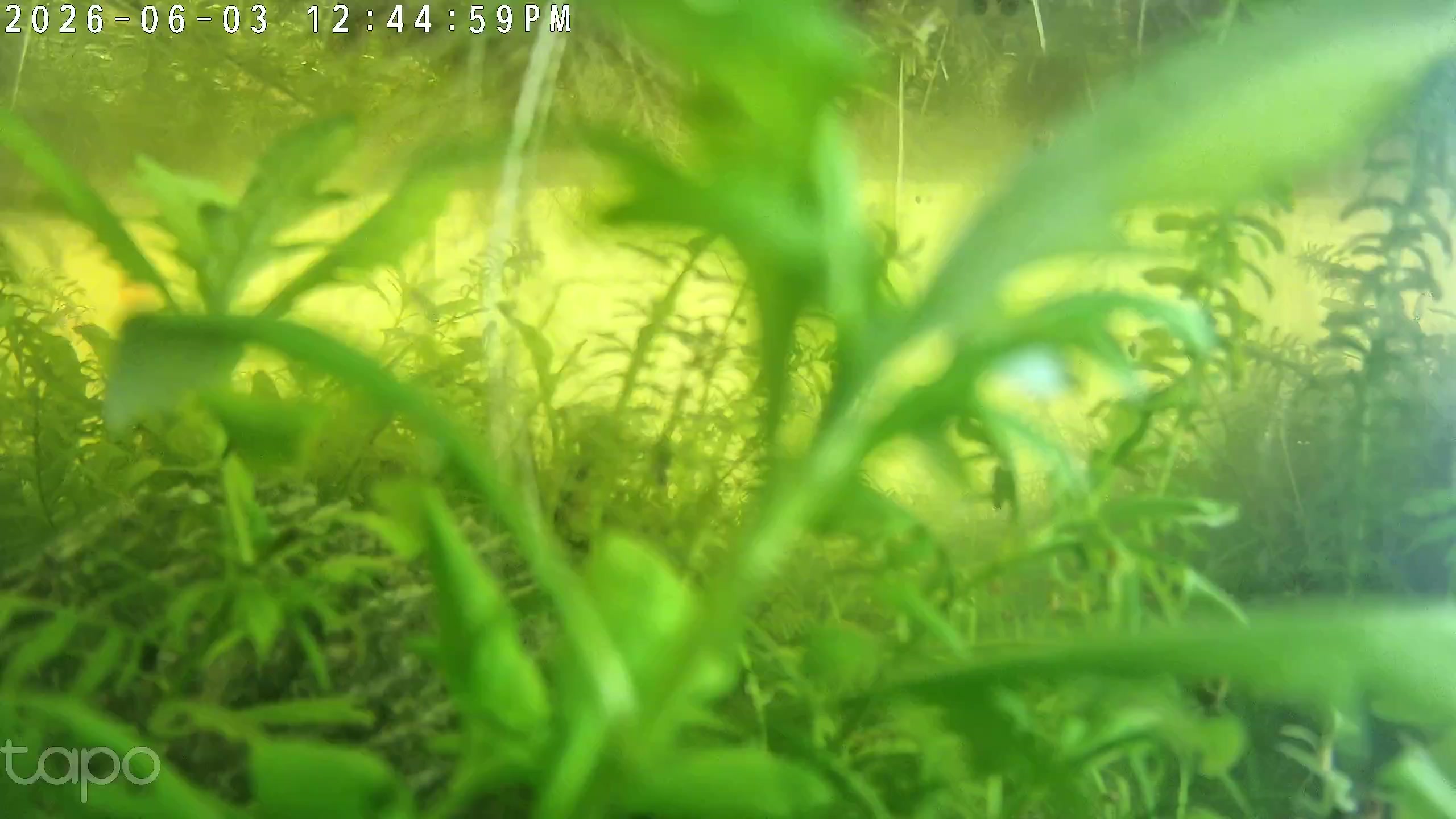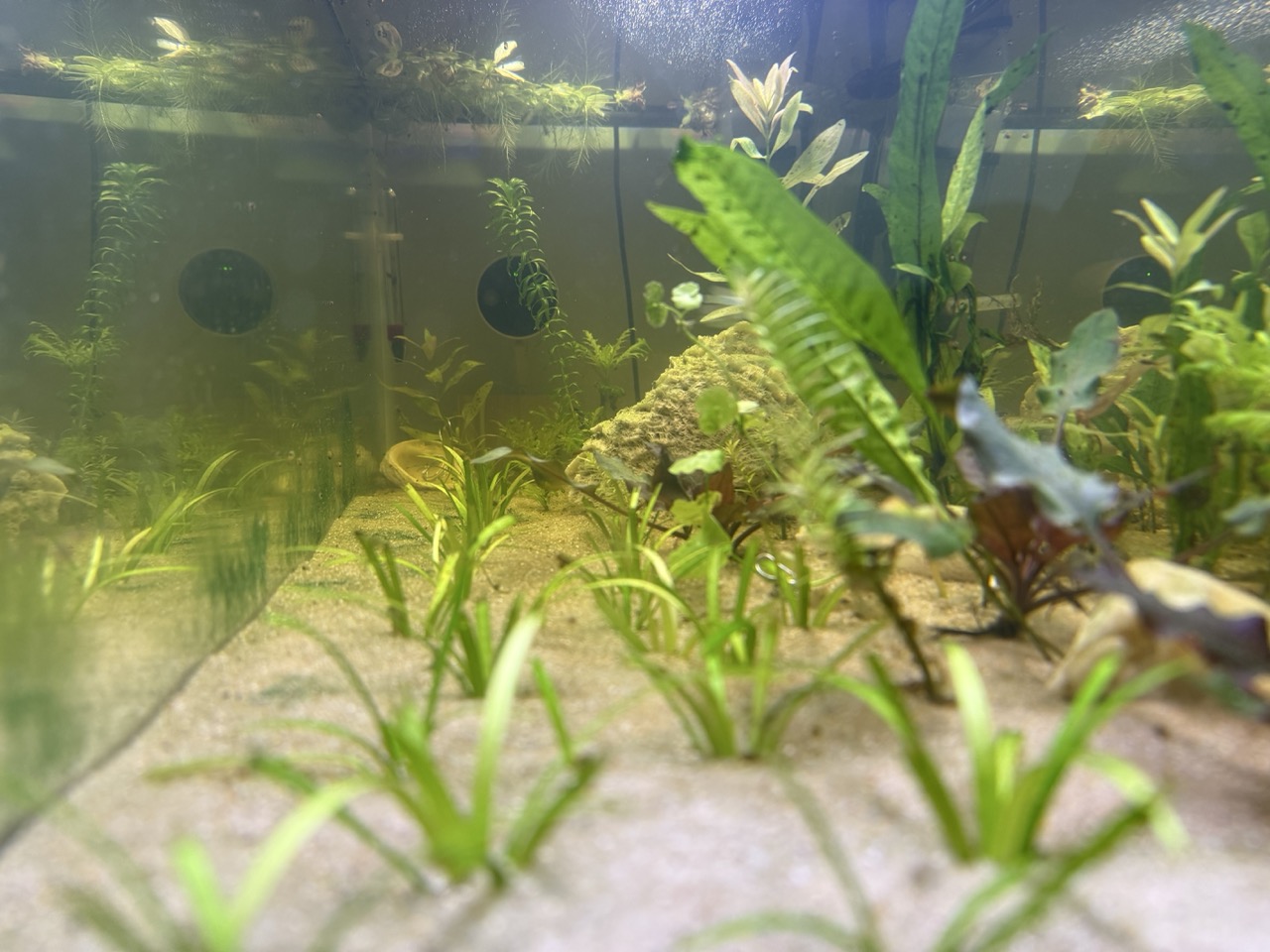
Back on Day 11, I introduced the Tapo C120 camera I’d set up to document the tank. But I didn’t explain how those snapshots get from the camera to the web. Time to pull back the curtain.
Why This Setup?
Is it over-engineered for a 20-gallon fish tank? Absolutely.
But that’s kind of the point. I’m a software developer by trade (you can find me on X @boggybot), and when I picked up fishkeeping, it was inevitable that the two hobbies would collide. Building this pipeline scratched both itches at once.
Part of the Walstad hobby is observation—watching the ecosystem develop over weeks and months. This infrastructure lets me:
- Check on the tank remotely during trips (like my upcoming two-week absence)
- Build a visual record of the tank’s evolution
- Create timelapses that show changes invisible day-to-day
- Share the journey on this blog with actual images
And honestly, building the pipeline was fun. The intersection of fishkeeping and software engineering isn’t something you see every day.
The Pipeline
Every snapshot—and every post—goes through a surprisingly sophisticated pipeline:
Images:
- Capture: Mac Mini grabs a frame from the camera’s video stream
- Moderation: Claude reviews each image for quality and privacy
- Storage: Approved images upload to Cloudflare R2
- Timelapse: Once daily, the approved frames become a video
Blog:
- Maintenance: I log water tests and observations through Claude Code
- Writing: Claude helps draft posts from my project files
- Publishing: Hugo builds the site, Cloudflare hosts it
Let’s break it down.
The Server: Mac Mini
At the heart of my setup is a Mac Mini, tucked away in a closet, always on, quietly running the show. It runs a Docker container with two cron jobs: one captures frames every 15 minutes during lit hours, another generates the daily timelapse.
Capturing Frames: RTSP + ffmpeg
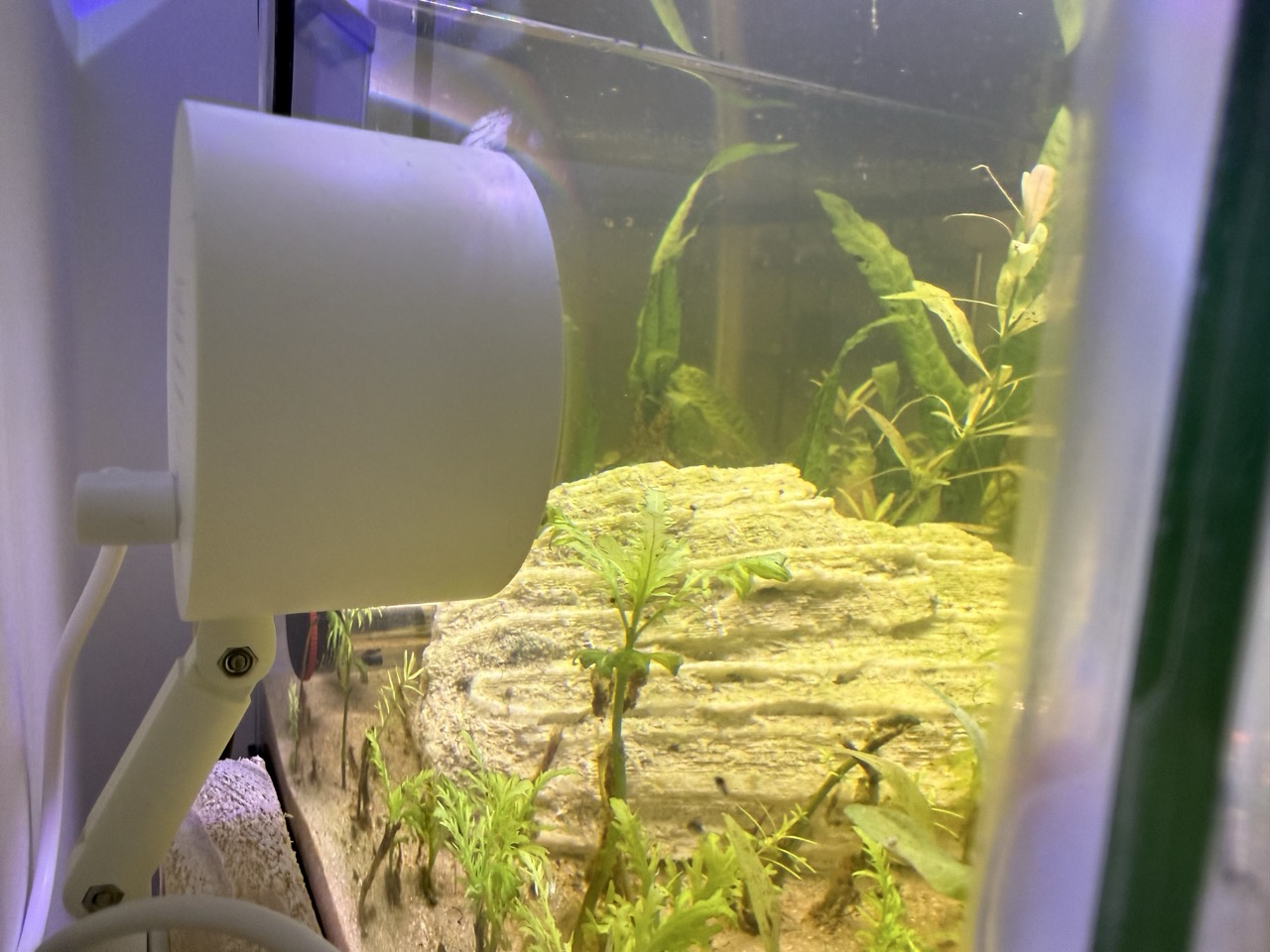
The Tapo C120 exposes an RTSP stream—a standard video streaming protocol. Every 15 minutes during lit hours, a Docker container running ffmpeg grabs a single frame.
The timing matters. I only capture when the tank lights are on (currently 7:30-10:30 AM and 1:30-4:30 PM thanks to my siesta schedule). No point storing dark images.
The result: about 16-24 snapshots per day, depending on the light schedule.
The AI Bouncer: Claude Code
Here’s where it gets interesting. Every captured frame passes through Claude—Anthropic’s AI—before it’s published. I run Claude Code (Anthropic’s command-line tool) as a moderation step.
Why AI moderation for a fish tank? A few reasons:
Quality control: Some frames are just bad—lights off, camera glitched, obstructions in frame. Claude catches these and rejects them.
Privacy: The tank sits in a room where my kids play. Sometimes people walk through the frame. Sometimes they’re not dressed for the internet. Claude filters out any frames with people, faces, or anything that shouldn’t be public.
Content safety: It’s overkill for a fish tank, but the same pipeline could work for any camera. Belt and suspenders.
Claude reviews each image and makes a simple decision: publish or delete. Rejected images never leave the Mac Mini.
Cloud Storage
Approved images upload to Cloudflare R2 for storage and serving.
Daily Timelapse
The second cron job runs once per day, stitching all approved snapshots into a timelapse video with ffmpeg. The frame rate scales logarithmically—15 FPS minimum, up to 60 FPS as the archive grows—keeping the video length reasonable even as months of snapshots accumulate.
The result: the tank’s evolution compressed into seconds. Plant leaves sway. Snails migrate across the glass. Over weeks, you can watch plants grow and the ecosystem mature.
The Blog: AI-Assisted Writing
This blog itself is part of the automation story.
Hugo Static Site
The blog runs on Hugo, a static site generator. Each post is a Markdown file with some metadata at the top. No database, no dynamic server—just HTML files served from the edge.
When I write a new post, Hugo compiles everything into static HTML, which gets deployed to Cloudflare Pages. The whole site rebuilds in seconds.
Claude Code for Everything
Here’s the fun part: I manage the entire tank project through Claude Code—Anthropic’s CLI tool. No desktop app, just the terminal.
Recording maintenance: After each water test, I tell Claude the results. It updates the maintenance log, adjusts the status in my project files, and tracks trends over time. “Ammonia 0, nitrite 0.5, did a 25% water change” becomes a properly formatted log entry with dates and observations.
Planning: Stocking decisions, plant choices, equipment purchases—all discussed and documented through the terminal. Claude helps research options, weigh trade-offs, and keep my planning docs updated.
Writing posts: I’ve created a custom slash command—/blog-post—that handles the heavy lifting. When I want to document an update, I just run:
/blog-post stocking plan
/blog-post day 35 update
/blog-post behind the scenes
Claude reads the project files (water test logs, the maintenance journal, stocking plans), fetches available tank snapshots from my image archive, and drafts a post in Hugo’s format. It picks appropriate images and adds them with proper formatting.
The result is a first draft that captures the facts accurately. I review, edit, add my own voice where needed, and publish. It’s collaborative—AI handles the structure and data gathering, I handle the personality and final polish.
Deployment to Cloudflare
Hugo builds the static site and pushes it to Cloudflare Pages. Within seconds, new posts are live at rewild.dev.
No servers to maintain. No databases to back up. Just Markdown files in a git repository, compiled to HTML, served from Cloudflare’s global network.
The Logo
Even the site logo came from this AI-assisted workflow.
Claude reviewed my conversation history—the tank setup, the Walstad method, the “rewild” concept—and wrote an image prompt. I fed that to Google’s Nano Banana Pro, then used Recraft AI to vectorize the result into an SVG for crisp rendering at any size.
The whole process took maybe five minutes. No graphic designer, no stock photos—just AI tools chained together.
The Full Picture
So that’s how a fish tank becomes a blog:
- Camera watches the tank and captures snapshots
- AI filters out bad frames and protects privacy
- I log water tests and maintenance through the terminal
- AI helps turn my notes into blog posts
- Everything publishes automatically to the web
It’s a pipeline of automation wrapped around a very analog hobby—watching plants grow and snails graze.
The tank camera captures a snapshot every 15 minutes during lit hours. You can always see the latest at spy.rewild.dev/latest.jpg.